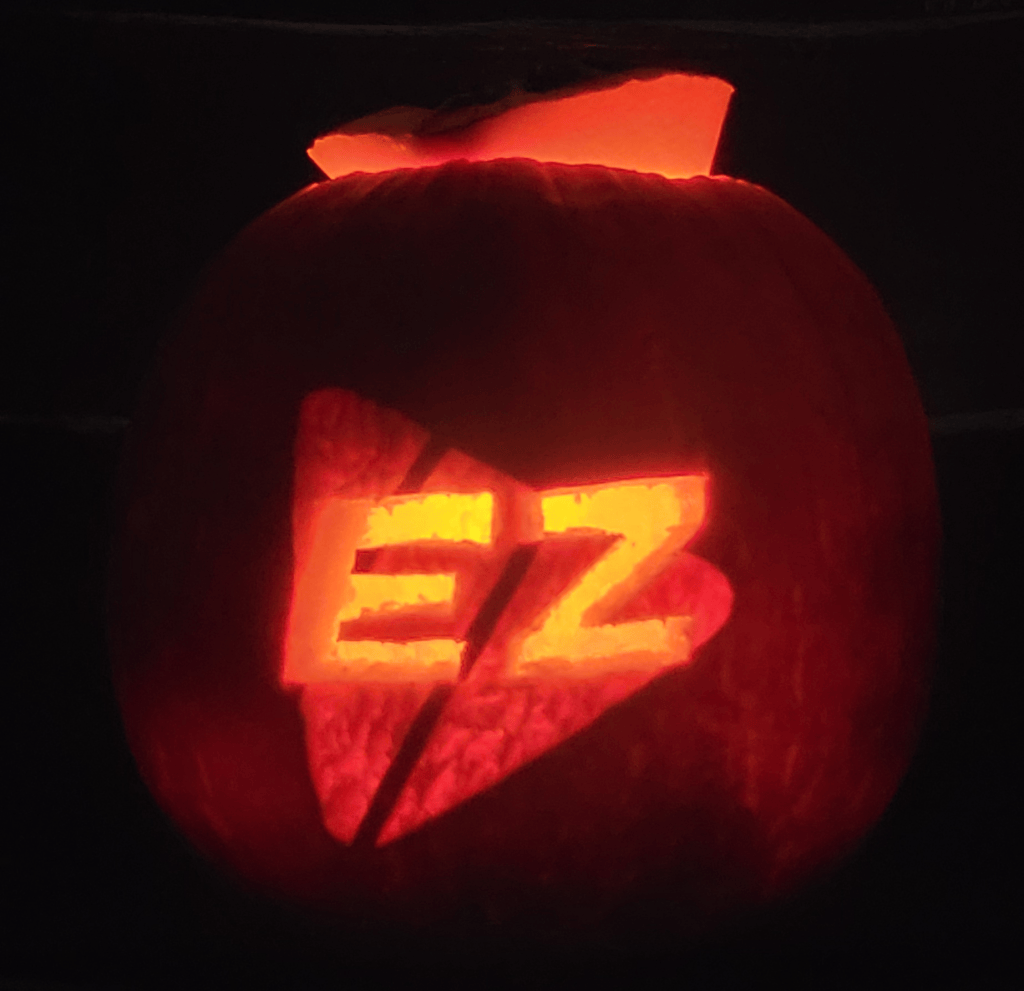
This year, I am using (and developing) EZPlayer to run my show.
Why Another Player?
In early 2025, having realized that xSchedule (which I used from 2021-2024) was part of the reason my show wasn’t running at its best, I started work on a new player core. With the semi-retirement of xSchedule this year, I feel even more strongly that the community deserves a new, easy-to-use PC-based show player. I’m collaborating with EZRGB on this project because they feel the same way, have additional developers, are providing a cloud UI for us all, and offer the EZiest way to get songs (for those who are inclined to buy professional sequences, as I am).
As a nerd, I also believe the xLights architecture is the way it is for historical reasons, and can be improved. Having layout, controller wiring, sequence rendering, show setup, and playback tied together tightly is causing some things to be a lot more difficult than they should be. Over the next year or two, we can fix it.
My Favorite Features
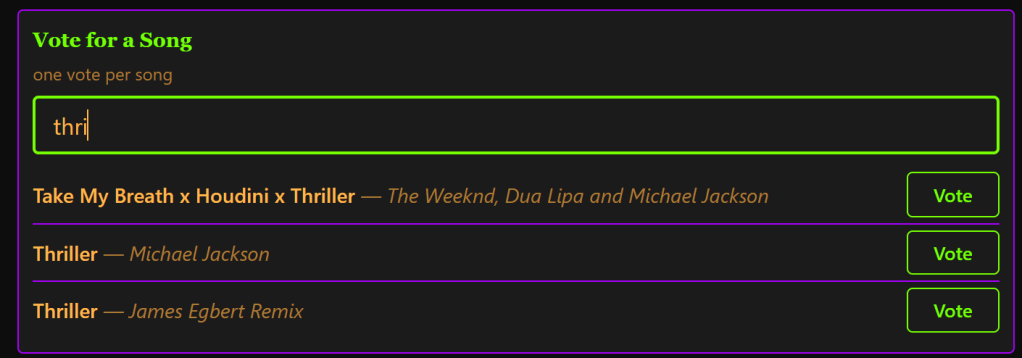
EZPlayer does the basic things I need – runs on a laptop, schedules the playlists, sends DDP and E1.31 data to controllers on multiple networks, offers volume control on a schedule so I can make the show a bit quieter as the night goes on, blends in my background sequence (parking instructions shown on the approach matrix), and allows viewers to make song choices.
Cloud Integration – Useful
I like being able to control everything from my phone, even when I am not on the household wireless network. I’ve fixed the schedule, adjusted the volume, picked a song out of the jukebox for a fan, etc., all from the remote control link. I check the controller status after powering them all on to make sure they all booted correctly, etc., and if anything is wrong I can usually fix it remotely.
While I am still using Remote Falcon, I’ve added an EZRGB viewer page: https://dev.ezplayer.dev/shows/moc. This is nice because RemoteFalcon limits the sequence selection list to 200, and due to a welcome success in my automapping program, I had ~380 sequences choices available this year. The idea that you can hear the music from the website is intriguing, though I have not seen a lot of use (still playing music out loud on speakers, and by FM). Maybe this will see more activity in December when people are less likely to get out of their cars.
Show Setup – Much Easier This Year
Don’t laugh, in years past I would take photos of the xLights visualizer and bring them out to the yard / up to the attic as a reference of what to plug in where. (I never seem to go back and delete quite all of them.)
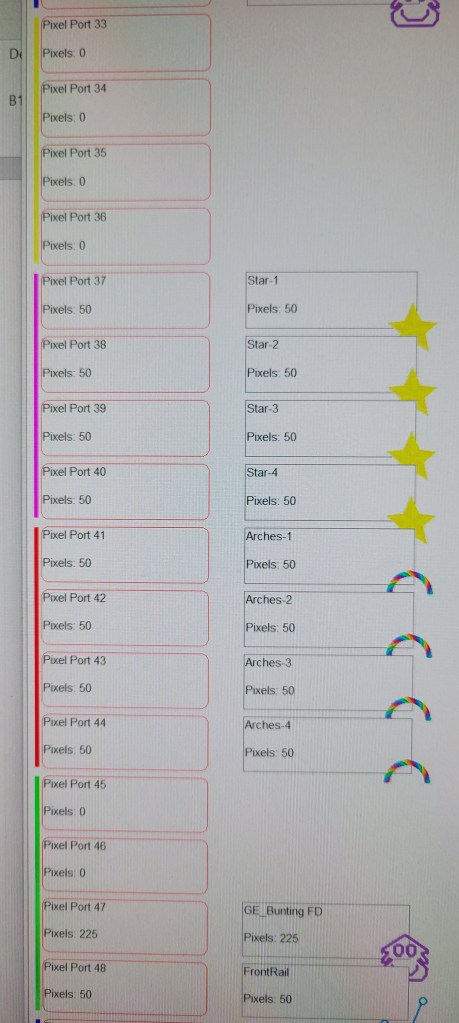
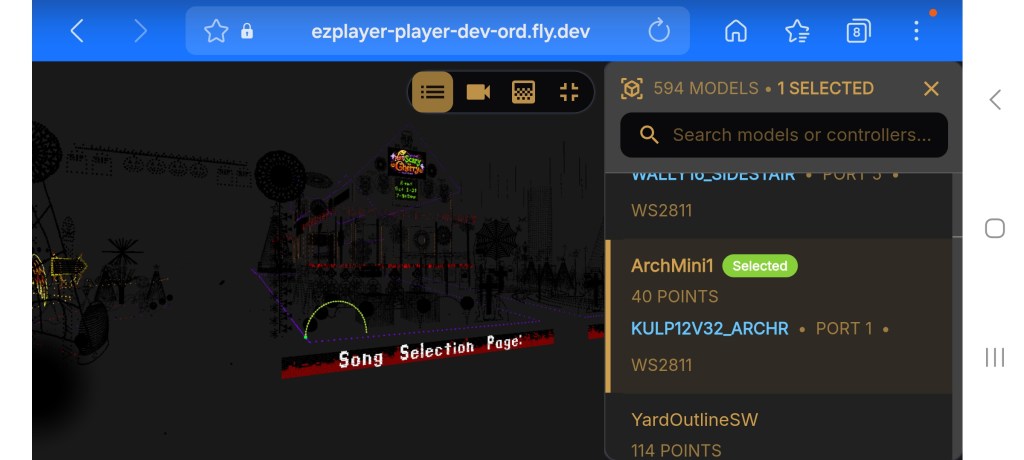
With EZPlayer controller integration, and the cloud UI, this is much better. I can see a visualizer-like view of any controller from my phone, while I am in the yard.
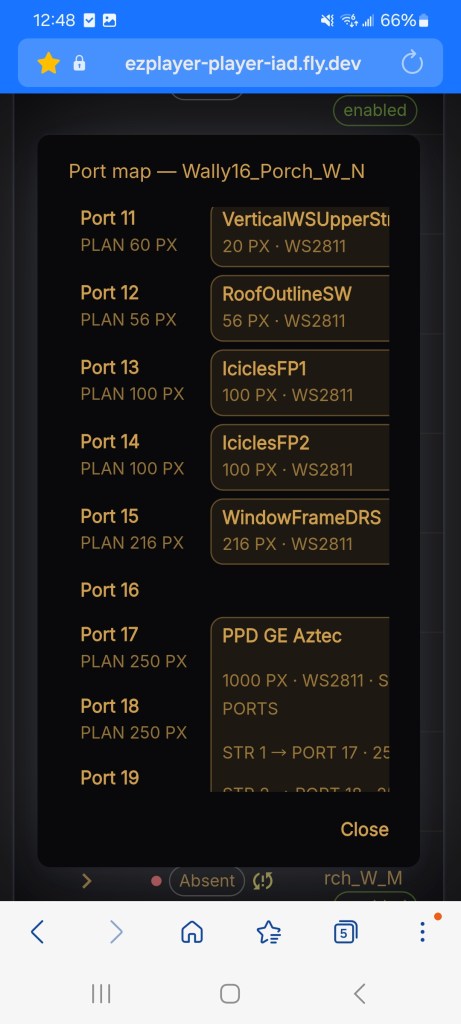
When I power on the controllers, if they do not match the xLights setup, it tells me about the issue and provides a way to fix the problems (reupload config) right from the yard.
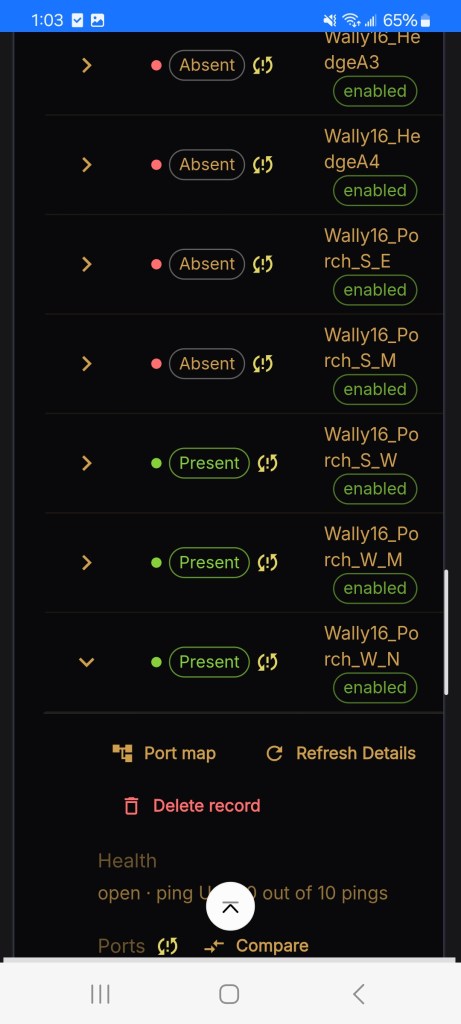
While the phone screen is a bit cramped, I’ve even used it to remember which end is supposed to be the starting location for the props:
Toward The Future
While we expect there will be many fixes to EZPlayer needed this season, we’re currently working on a new version that is a significant rewrite of the pixel output processing. This will allow a lot of features to be added, including brightness control, HDMI monitors, and interaction (based on APIs, not plug-ins).
Should You Try EZPlayer?
Maybe. If you are looking for a new player, feel free to try it out, it’s not very hard. If you are already happy with the software stack you have, I wouldn’t want to be responsible for making things difficult for you and would suggest you keep doing whatever it is that already works.
May your show season be merry and bright!

